

Stream Deck pluginby Katapult
MIDI Commander for Elgato Stream Deck
Turn your Stream Deck into a MIDI control surface. Fire notes, CC, program changes, and transport commands at your DAW, synths, or lighting rig, and let incoming MIDI light your keys back up.
Stream Deck 7.1+ / macOS 12+ / Windows 10+
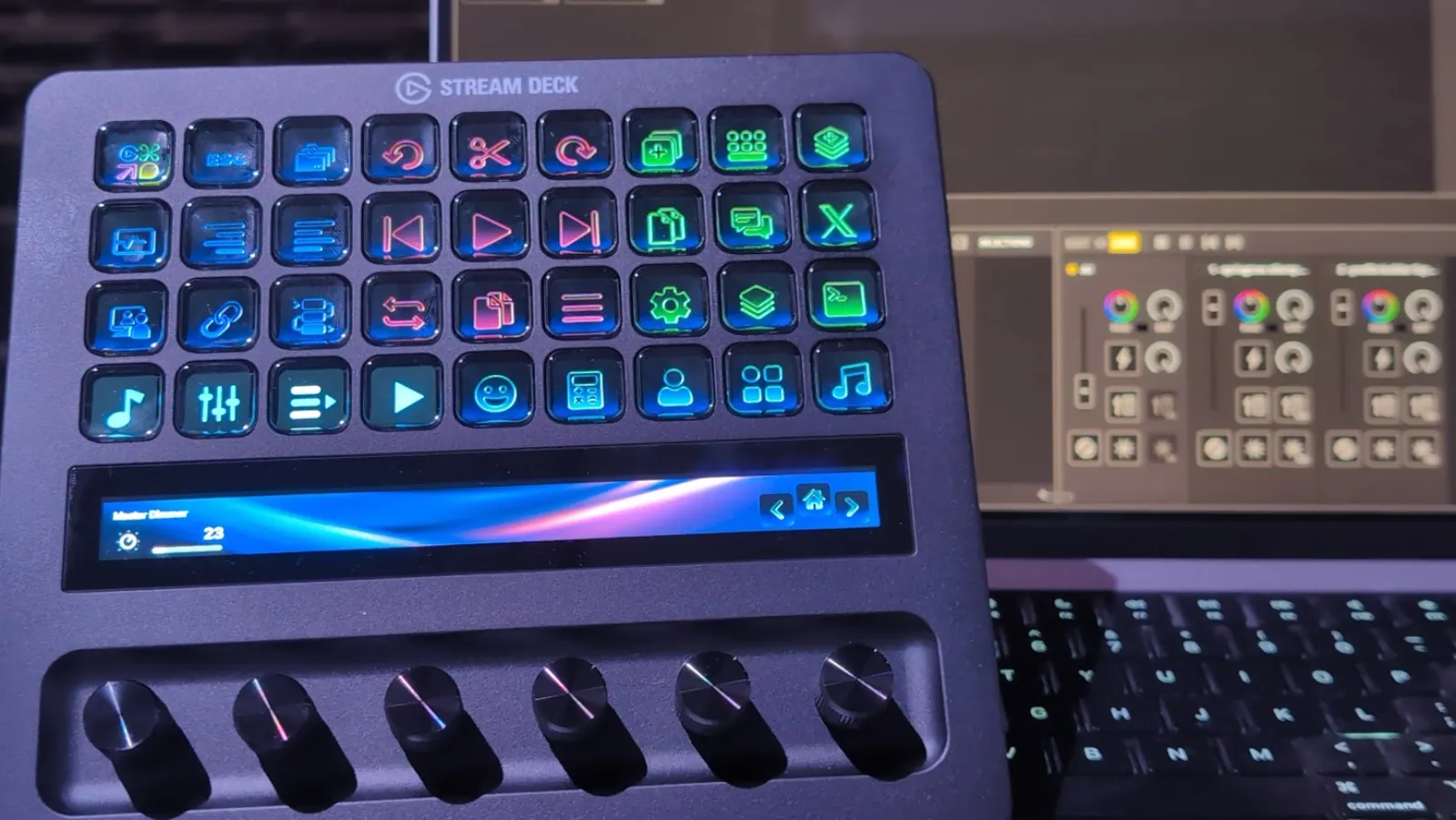
Five MIDI actions for keys and dials
Drag an action onto a key, pick a MIDI port, channel, and value, and it's live. Every action speaks standard MIDI, so it works with anything that listens.
- Send Note
- Note On/Off, either momentary (on while held) or latching toggle. Trigger samples, clips, and drum hits.
- Send CC
- One Control Change value, or toggle between two. Set 127/0 and you have a mute, solo, or arm button.
- CC Dial
- Sweep 0–127 on a Stream Deck + dial with a live value bar on the touchscreen. Press to send a second CC.
- Program Change
- Switch patches, presets, and scenes, with optional Bank Select MSB/LSB sent first.
- Transport (MMC)
- Play, stop, pause, record punch in/out, rewind, fast forward, and deferred play over MIDI Machine Control.
Try the actions
- Press a key to see the MIDI it sends.
Green means on. With Feedback turned on, keys go green when your DAW sends the same message back, not only when you press them.
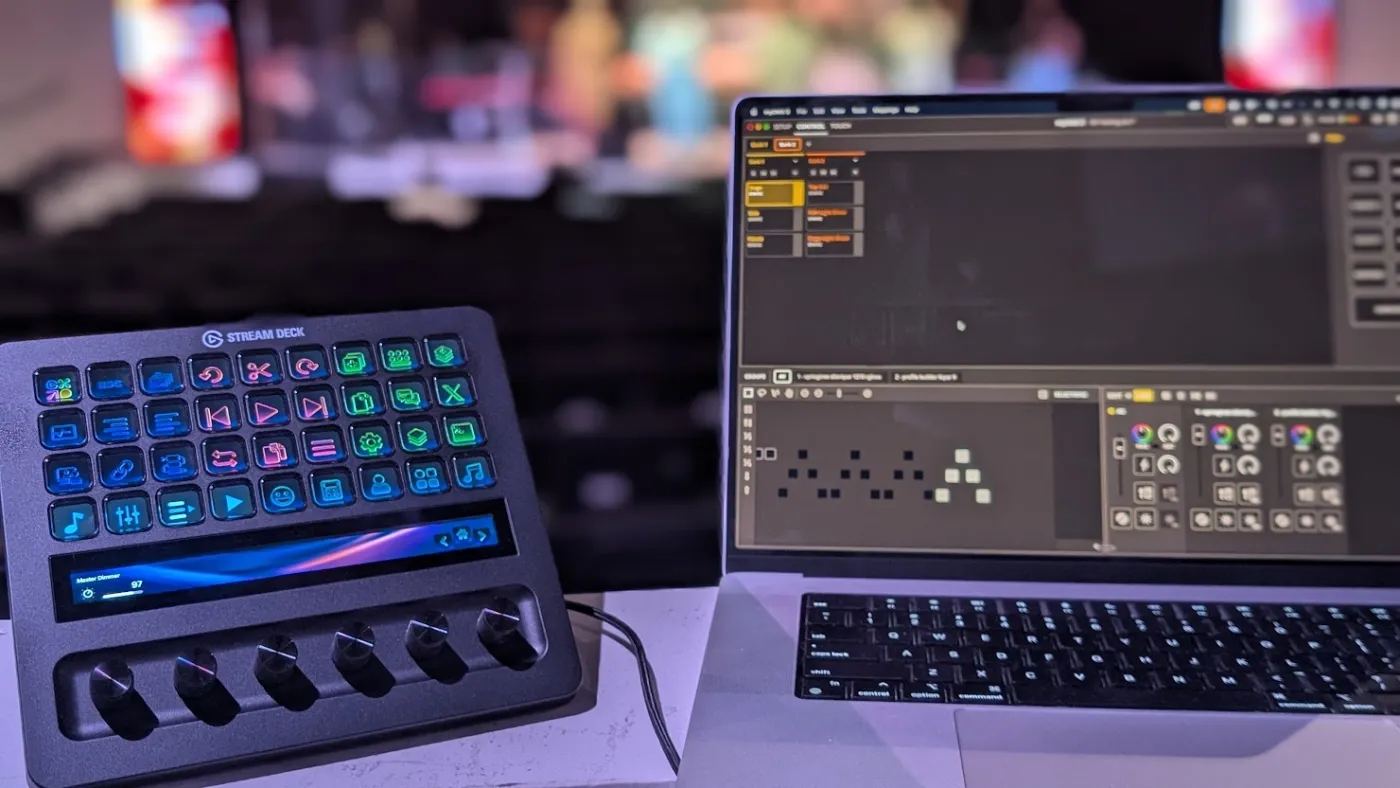
Two-way MIDI keeps your keys honest
Most MIDI buttons only know what you pressed. MIDI Commander also listens, so a key shows what's actually happening in your session.
- Keys light up from incoming MIDI. Mute a track in your DAW and its Stream Deck key turns green on its own.
- State follows changes made anywhere, from your mouse, a control surface, or an automation lane.
- Dial values resync from incoming CC, so the touchscreen never drifts from the fader it controls.
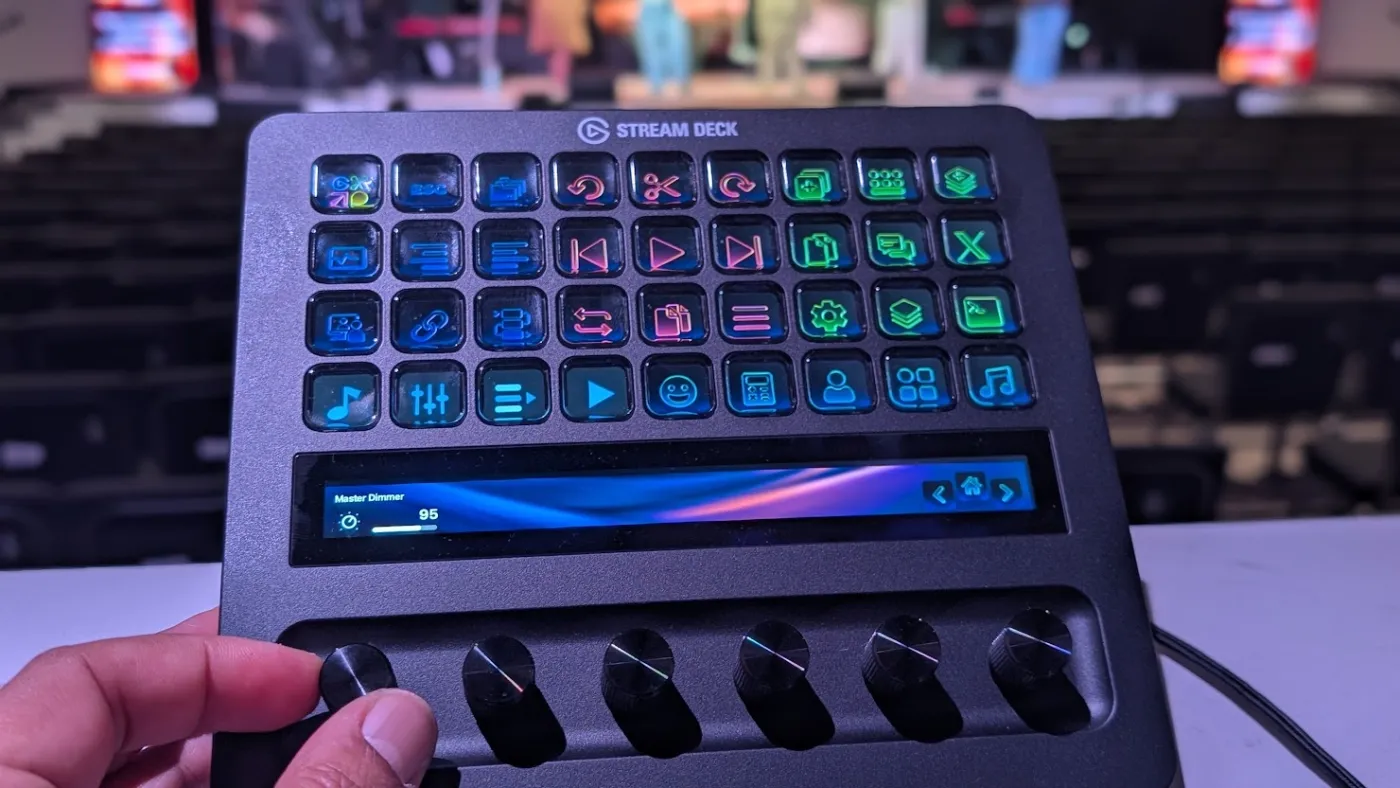
Real dials on Stream Deck +
The CC Dial action turns each Stream Deck + encoder into a hands-on fader or knob for filter sweeps, sends, volume, and dimmers.
- Absolute mode tracks 0–127 and draws a value bar on the touchscreen.
- Relative mode sends two's-complement increments for endless-encoder mappings.
- Press or tap to fire a second CC, like a mute while you ride the level.
- Adjustable step size for fine or fast moves.
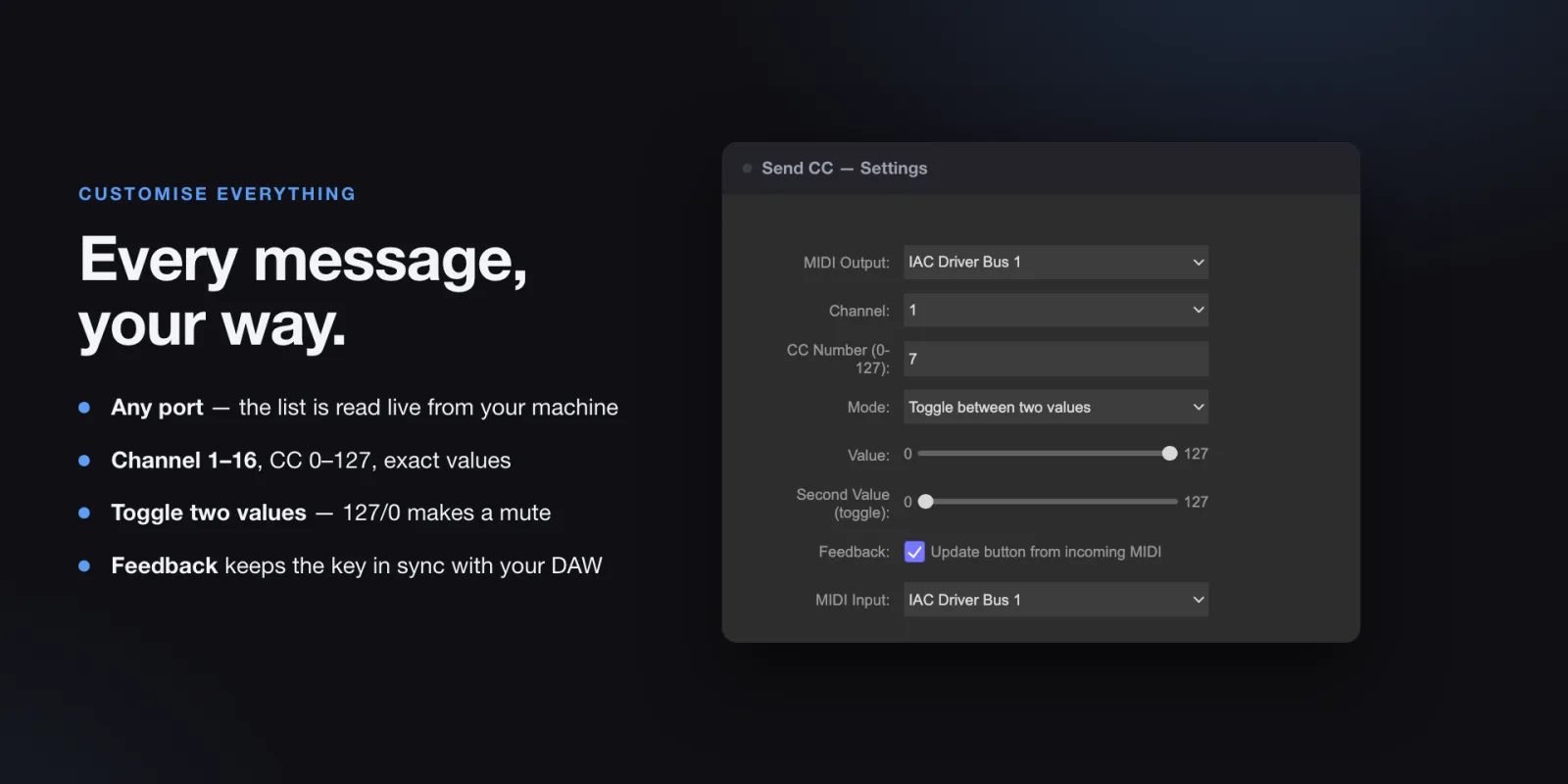
Every message, set up in seconds
Each action is configured right in the Stream Deck app. No mapping files, no scripts.
- Any port on your machine. The list is read live, so USB devices, interfaces, and virtual ports appear as soon as they connect.
- Channels 1–16, note and CC numbers 0–127, exact velocities and values.
- Built-in virtual ports on macOS. Your DAW sees MIDI Commander Out and MIDI Commander In with no extra software.
Works with anything that speaks MIDI
If it accepts MIDI input, MIDI Commander can drive it, whether that's software on the same computer or hardware on a USB or DIN interface.
DAWs
Ableton Live, Logic Pro, Pro Tools, Cubase, Reaper, FL Studio, Bitwig Studio, Studio One, and more.
Synths and instruments
Hardware synths, drum machines, samplers, and virtual instruments that switch patches on Program Change.
Lighting and show control
Lighting consoles and DMX software that take MIDI triggers, for scenes, cues, and dimmers.
Streaming and live video
Video switchers, VJ tools, and presentation software with MIDI mapping.
Set up in three steps
- Install the pluginAdd MIDI Commander from the Elgato Marketplace. It installs straight into the Stream Deck app.
- Drag an action onto a key or dialFind the MIDI Commander category in the action list and drop Send Note, Send CC, CC Dial, Program Change, or Transport where you want it.
- Pick a port, channel, and valueChoose where the MIDI goes. On Windows, pair it with the free loopMIDI utility to reach apps on the same computer.
Requirements
- Software
- Stream Deck 7.1 or later
- macOS
- macOS 12 Monterey or later
- Windows
- Windows 10 or later
- Hardware
- Any Stream Deck. CC Dial needs dials, like Stream Deck +.
- MIDI
- Note, CC, Program Change, Bank Select, MMC
Which Stream Deck models does MIDI Commander work with?
Any Stream Deck running Stream Deck software 7.1 or later on macOS 12+ or Windows 10+. Send Note, Send CC, Program Change, and Transport work on keys and on dial presses. CC Dial needs a device with dials, such as Stream Deck +.
Do I need a MIDI interface or extra software?
Not on macOS: MIDI Commander creates its own virtual ports, MIDI Commander Out and MIDI Commander In, so your DAW can see it straight away. On Windows, install the free loopMIDI utility and pick its port in the action settings. Hardware MIDI interfaces and USB MIDI devices also appear in the port list.
Which DAWs and apps does it work with?
Anything that accepts MIDI input: Ableton Live, Logic Pro, Pro Tools, Cubase, Reaper, FL Studio, Bitwig Studio, hardware synths, lighting software, and show-control tools.
Transport keys send MIDI Machine Control (MMC), so your app needs MMC enabled. If it doesn't support MMC, map a Send Note or Send CC key to its transport instead.
Can my Stream Deck keys show the state of my DAW?
Yes. Turn on Feedback in an action's settings and choose a MIDI input. When your DAW sends the matching Note or CC back, the key updates on its own, so a mute lights up when the track is muted even if you clicked it in the DAW. CC Dial values resync the same way.
Where can I get MIDI Commander?
MIDI Commander is on the Elgato Marketplace. Open the listing and install it with one click, and it appears in the Stream Deck app.